Get started

14-day free trial · no credit card

Basecamp can do more than you ever thought.

A blog, a help center, a roadmap, forms, Docs/Files in Finder, and a Basecamp-native launcher. All from your Basecamp 5 account.

14-day free trial · no credit card
CMS viewForms viewTools viewCompanion view

Four features.
One install.

Publish from your Message Board

Turn Basecamp messages into a real blog on your own domain.

Start free trial
app.getcando.com/blog

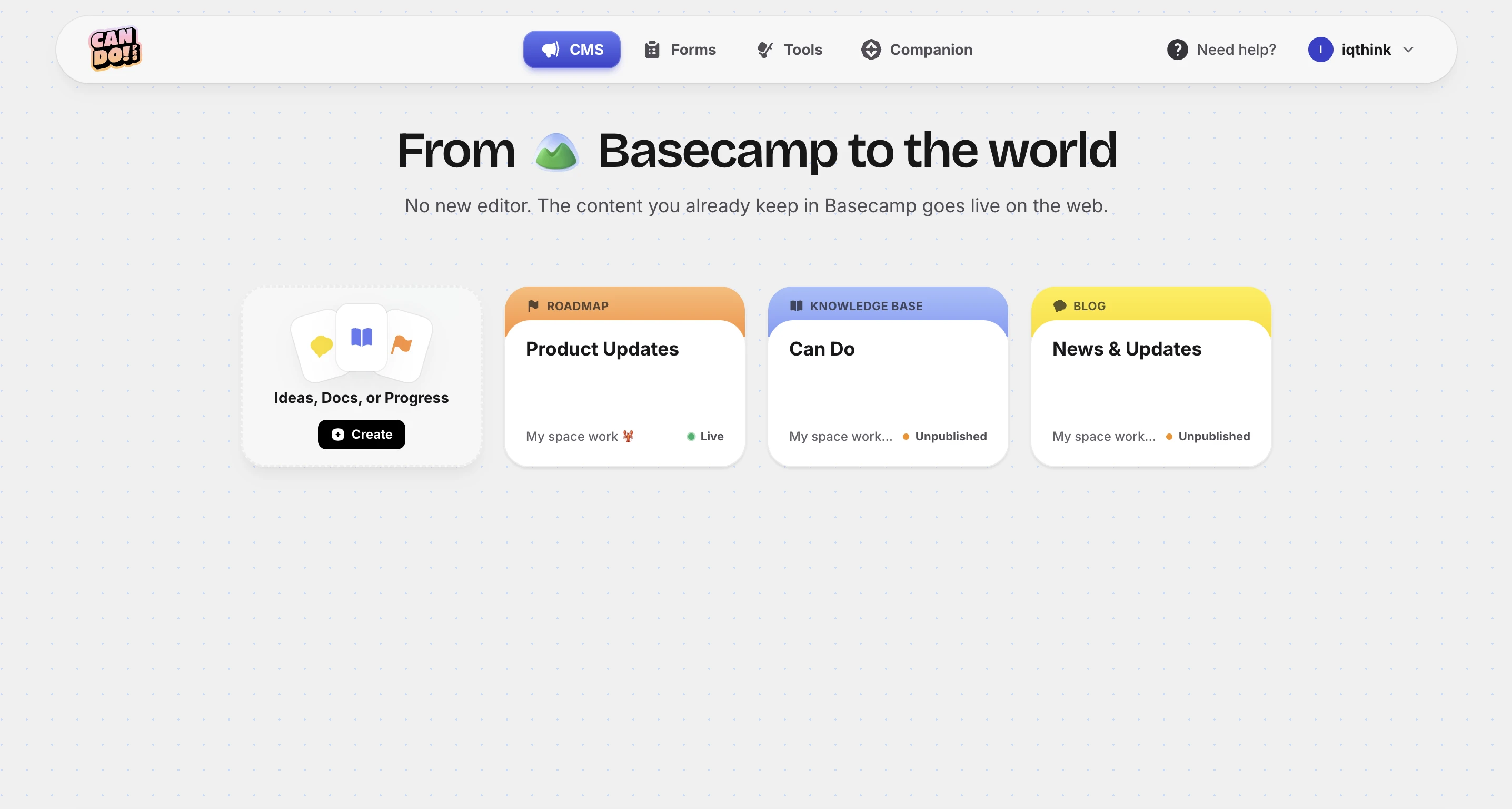
From Basecamp to the world

No new editor. The content you already keep in Basecamp goes live on the web.

Ideas, Docs, or Progress
Create
Blog
Knowledge base
Roadmap

You're one step away from your new blog

Select a project with a message board. Messages become blog posts automatically.

Find your project
Animation Expert
Select a message board
Message Board
0 messages
Create blog
Home
Basecamp
Company Blog Message Board 🕐 Save a draft Post this message
🖼 📎 B I S TT 🔗 " ⟨/⟩
Write away… A few years back we went looking for a better way to work…
Publishing to your domain…
🔒 acmecorp.com/blog Subscribe to the feed
A

re:acmecorp

Honest thoughts on product, design, and getting things done.

ALL LET'S TALK
LET'S TALK • FEB 19, 2026

A few years back we went looking for a better way to work. Not because everything was broken, but because we knew we could be more focused.

Read more

Docs become a knowledge base

Every Basecamp Doc, published as a searchable help center.

Start free trial
app.getcando.com/kb
Back Can Do PRO

Create a knowledge base

Select a project with Docs & Files. Documents become articles automatically.

1
Find your project
Search for a Basecamp project with Docs & Files.
2
Select the Docs & Files tool
Its documents become the articles of your knowledge base.
Select a project to see its Docs & Files.
Creating your knowledge base…
Back
Live ▌▌ Paused

Profile

How your knowledge base appears to readers.

Icon & Name
Shown across the KB.
Docs & Files
Description
A short summary displayed at the top of your KB.
Write the description… 0/175
Preview URL
Where your knowledge base is published.
Building 🛠️ ... We will send you an email when your KB is published.

A public roadmap, live

Every Card Table in one shareable board. No manual updates.

Start free trial
app.getcando.com/roadmap

From Basecamp to the world

No new editor. The content you already keep in Basecamp goes live on the web.

Ideas, Docs, or Progress
Create
Blog
Knowledge base
Roadmap

You're one step away from your new roadmap

Select a project with a card table. Its cards become a public roadmap automatically.
Find your project
Animation Expert
Select a card table
Card Table
Choose columns
Triage
Not now
Figuring it out
In progress
Done
Create roadmap
Building your roadmap…
iqthink | Test
Powered by Can Do
🗓 17/04/2026
Triage (0)
Figuring it out (3)
16/04/2026
this
16/04/2026
mundo
16/04/2026
hola
In progress (3)
15/04/2026
test
H
15/04/2026
is a test
15/04/2026
Hellow
HOLAAA MUNDO
Done (1)
15/04/2026
Otra prueba
Prueba de webhook creación, editando para ver si…
Hello world (0)

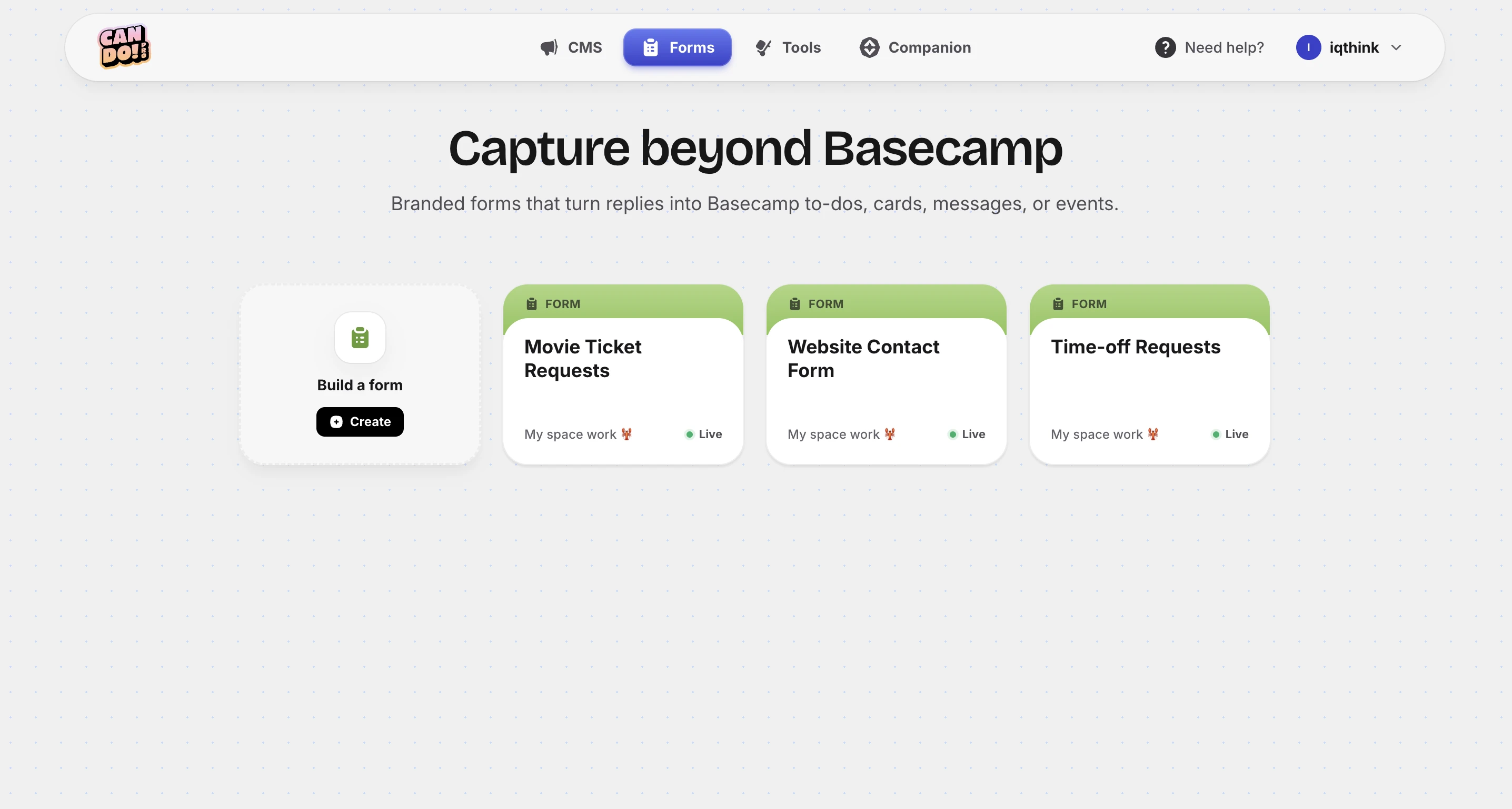
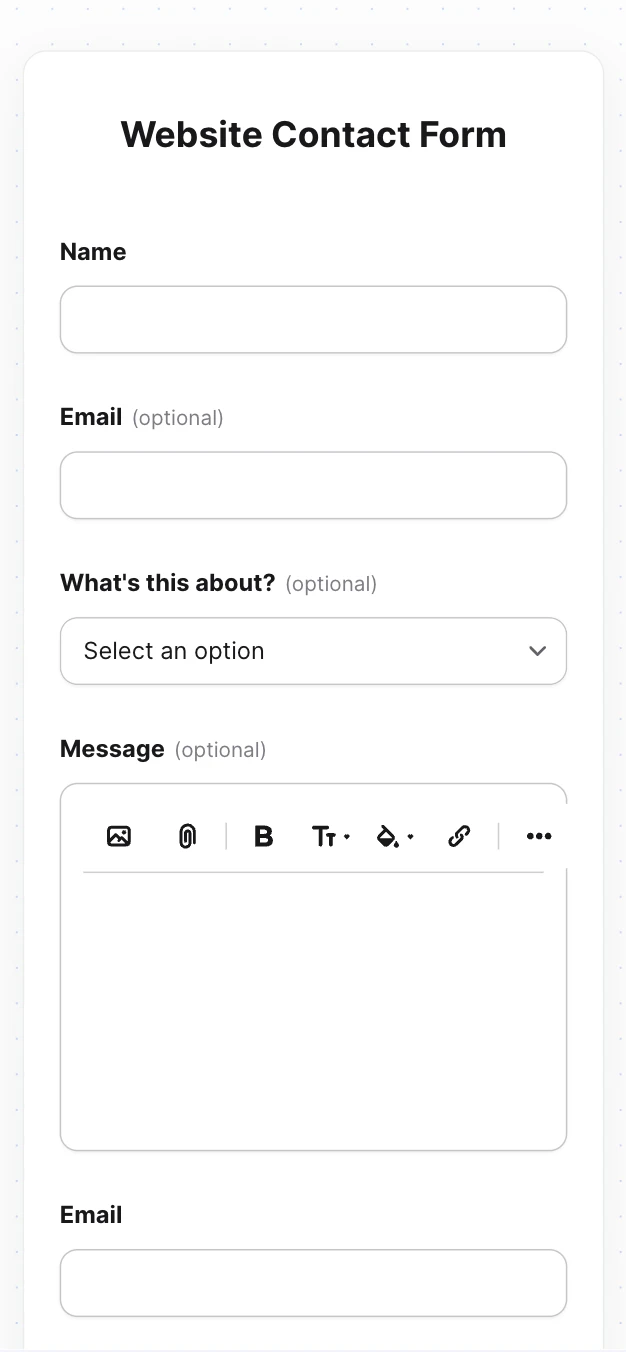
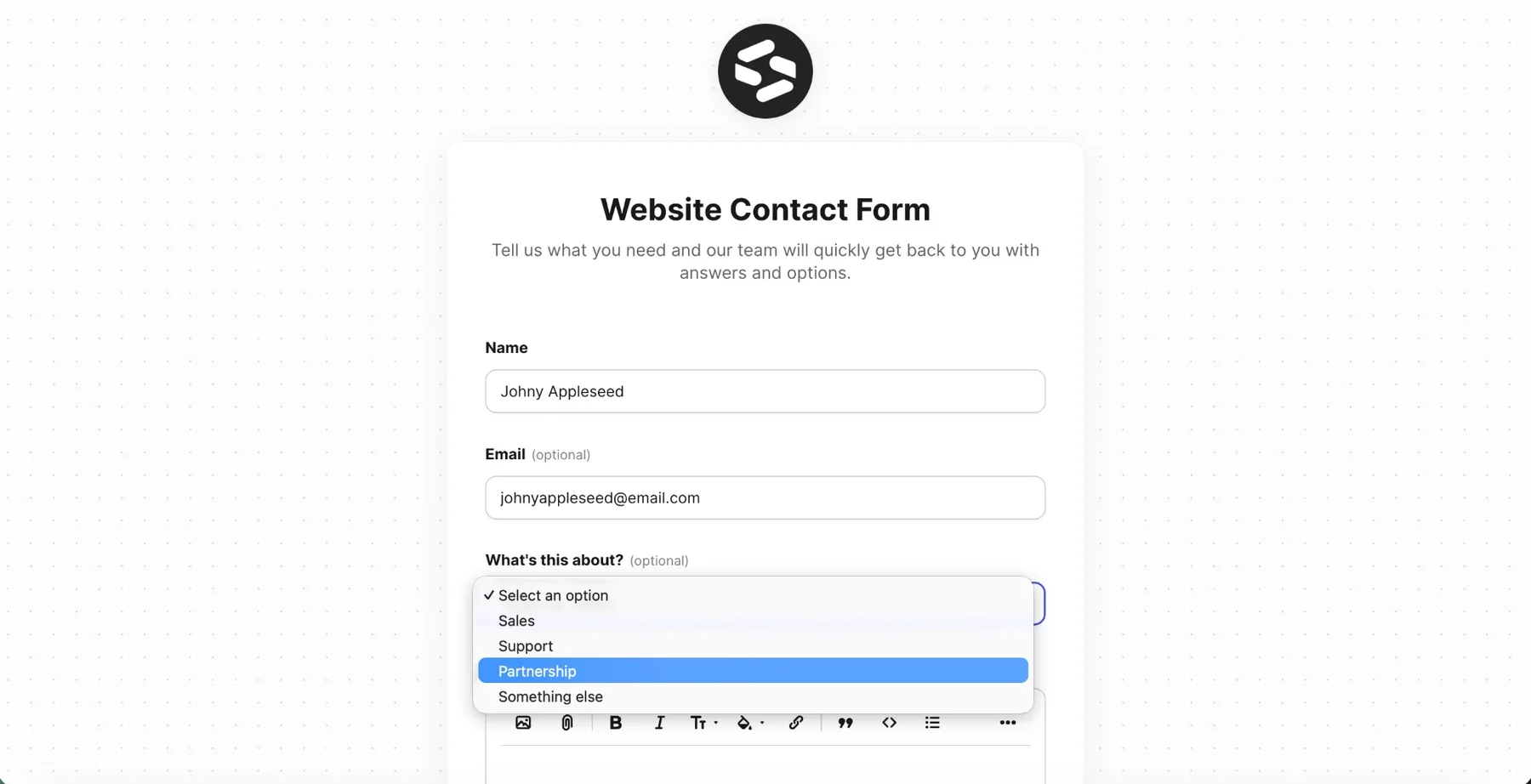
Forms, routed to Basecamp

Collect responses that land as to-dos, cards, or messages.

Start free trial
app.getcando.com/forms
Capture

Forms

Collect responses from outside Basecamp and route them where you need.

Public Forms
Branded forms that turn submissions into Basecamp messages, todos, or cards.
In design
Embedded Forms
Drop a form into your KB or blog and capture leads in context.
Soon
Webhooks
Pipe submissions to Zapier, Make, or your own endpoint.
Soon

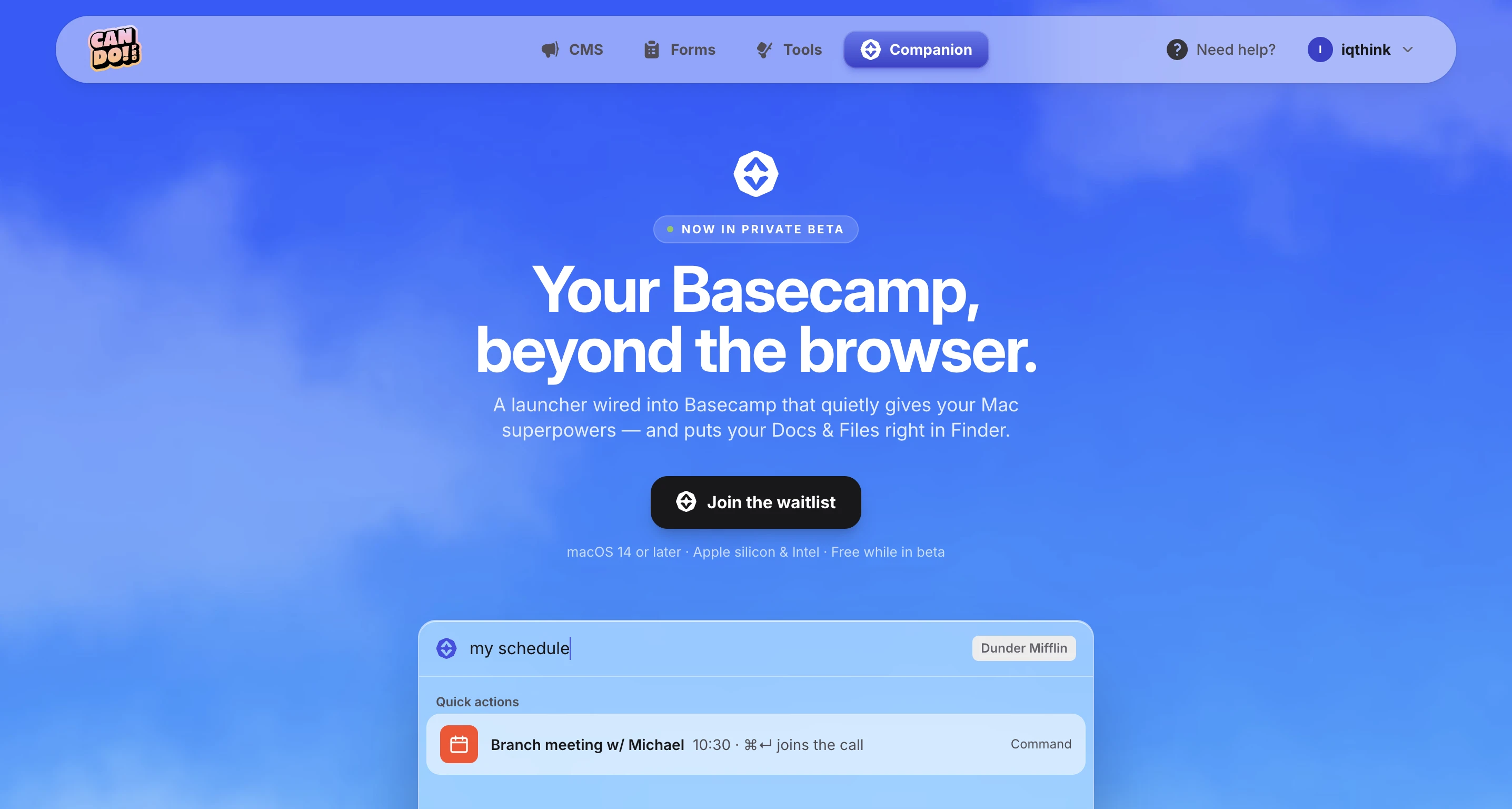
Basecamp,
right in Finder.

Companion mounts your Basecamp Docs & Files right in Finder — just like Dropbox or Google Drive. Open one in Preview, drag a Figma export in, rename it, hand a folder to a contractor over AirDrop. No second copy, no second place to look.

  • Native to your Mac · Finder, Spotlight and Quick Look all just work.
  • On-demand · Files live in the cloud and stream down when you open them.
  • Safe by default · Drag to the Trash and it archives — never deletes.
  • Included · comes with every Can Do plan, at no extra cost.
Name Date
📁 HQ
☁️ Today
📁 Marketing
May 12
📁 Playground 2
May 8
Companion for Basecamp 3 items, 1.71 TB available
Status
Companion
macOS 14+
included with every plan · $79/yr on its own

Frequently asked.

Not here? [email protected]

Who can use Can Do for Basecamp?
Everyone on your team benefits from Can Do. An admin or account owner handles the initial setup, but once connected, features like the blog, knowledge base, and Zoom integration are available to the whole team. There's no per-user limit on who can access or contribute.
What tools does Can Do include?
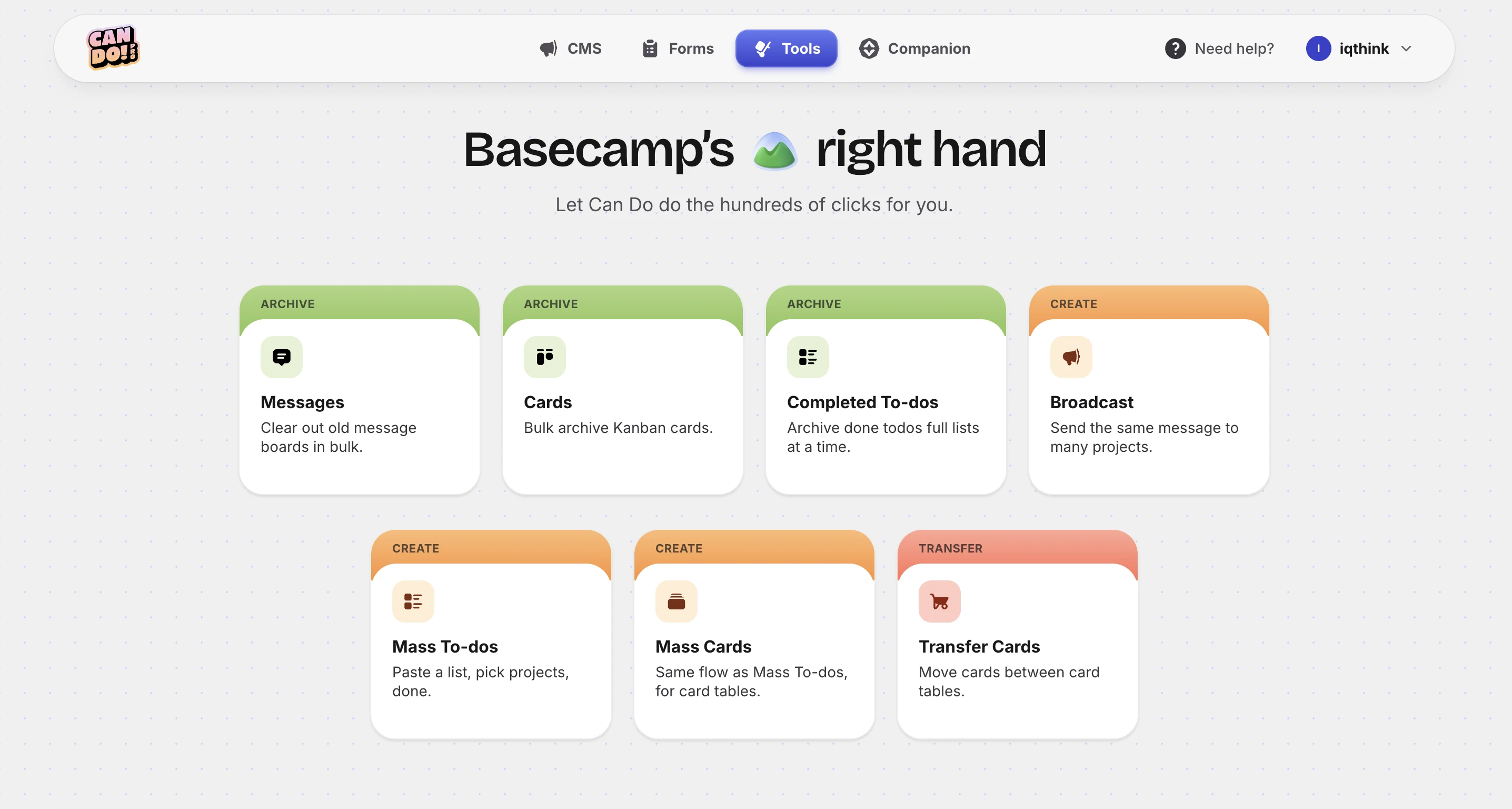
Can Do publishes four things straight from Basecamp: a blog, a knowledge base for FAQs and documentation, a public roadmap, and forms whose submissions land back in your projects. It also adds a growing set of tools — bulk to-do and card creation, Zoom meeting integration, mass archiving, and more — plus Companion, a Mac launcher included with every plan.
How do I add to-dos or cards in bulk in Basecamp?
With Can Do's Bulk Creator tool, you can add dozens of to-dos or Card Table cards in one go. Just paste or type your list, pick the project and list, and hit create. It saves hours compared to adding them one at a time inside Basecamp.
Can I host a blog using Basecamp as my CMS?
Yes — that's exactly what Can Do does. Write a message in any Message Board, pick a category from Basecamp's built-in dropdown, hit "Post this message". Can Do publishes it to your own domain with SSL, RSS, sitemap, dates and category tags handled for you. See a live example at blog.iqthink.com — no second editor, no extra logins.
Can I publish a knowledge base from Basecamp?
Absolutely. Can Do lets you publish FAQs, how-to guides, and documentation using Basecamp's Docs & Files. Organize your articles inside Basecamp and Can Do publishes them to a public-facing knowledge base on your own domain.
Do I need to download or install anything?
No downloads required. Can Do works entirely in the browser. Sign up with your email (we send a one-time code — no password to remember), connect your Basecamp account once, and you're ready to go. If you're on Mac, our Companion app brings every feature to ⌥ Space — included with every plan at no extra cost, currently in beta.
How do I sign in? Is Can Do secure?
Sign in is passwordless: enter your email and we send a 6-digit code that expires in 15 minutes. Once you're in, you connect Basecamp through its official public API (secure OAuth) — a one-time step. We don't store your Basecamp data, all communication is encrypted, and your Basecamp account stays fully under your control.
How does pricing work? Do I pay for every team member?
No — you only pay per admin or account owner who signs up. The rest of your team benefits from Can Do at no extra cost. If your organization has 20 people but only one admin uses Can Do, you only pay for that one seat.
Can I suggest a new feature or tool?
Definitely! Your suggestions drive our roadmap. Drop us an email at [email protected] with your use case. We read and consider every suggestion we receive.
What happens if Basecamp builds a feature Can Do already offers?
If Basecamp ships native functionality that replaces one of our tools, we'll gladly retire ours. Our goal is to complement Basecamp, not compete with it. We're constantly developing new integrations to stay ahead.
Can I cancel my subscription anytime?
Absolutely. We offer a no-questions-asked 30-day refund. For yearly plans, we're happy to negotiate a prorated refund. Just reach out at [email protected].
Who are you guys, anyway?
We're a group of... can you say fans, who use Basecamp every day to run IQTHINK (our main gig). We are very active in the Basecamp community and have been 37signals customers for over 15 years. We're thrilled to have Can Do featured by Basecamp on the integrations page at Basecamp.com/extras. Everything we build lately is exclusively on Rails and Hotwire.
What should I do if I run into a technical issue?
If you experience any issues with Can Do, reach out to us at [email protected] and we'll get back to you quickly. Your Basecamp account is never affected — if Can Do is disconnected, Basecamp continues to work normally.

Your Basecamp, unlocked.

Sign in with your email, connect Basecamp once, and turn the tool your team already loves into the publishing platform you always wanted. No password.