
Branded forms, straight into Basecamp.
Build a form in minutes and share the link. Every submission lands in Basecamp as a to-do, card, message or event — routed to the exact project and list you choose. No new inbox, no copy-paste.
Works with any Basecamp project · 14-day trial · no credit card
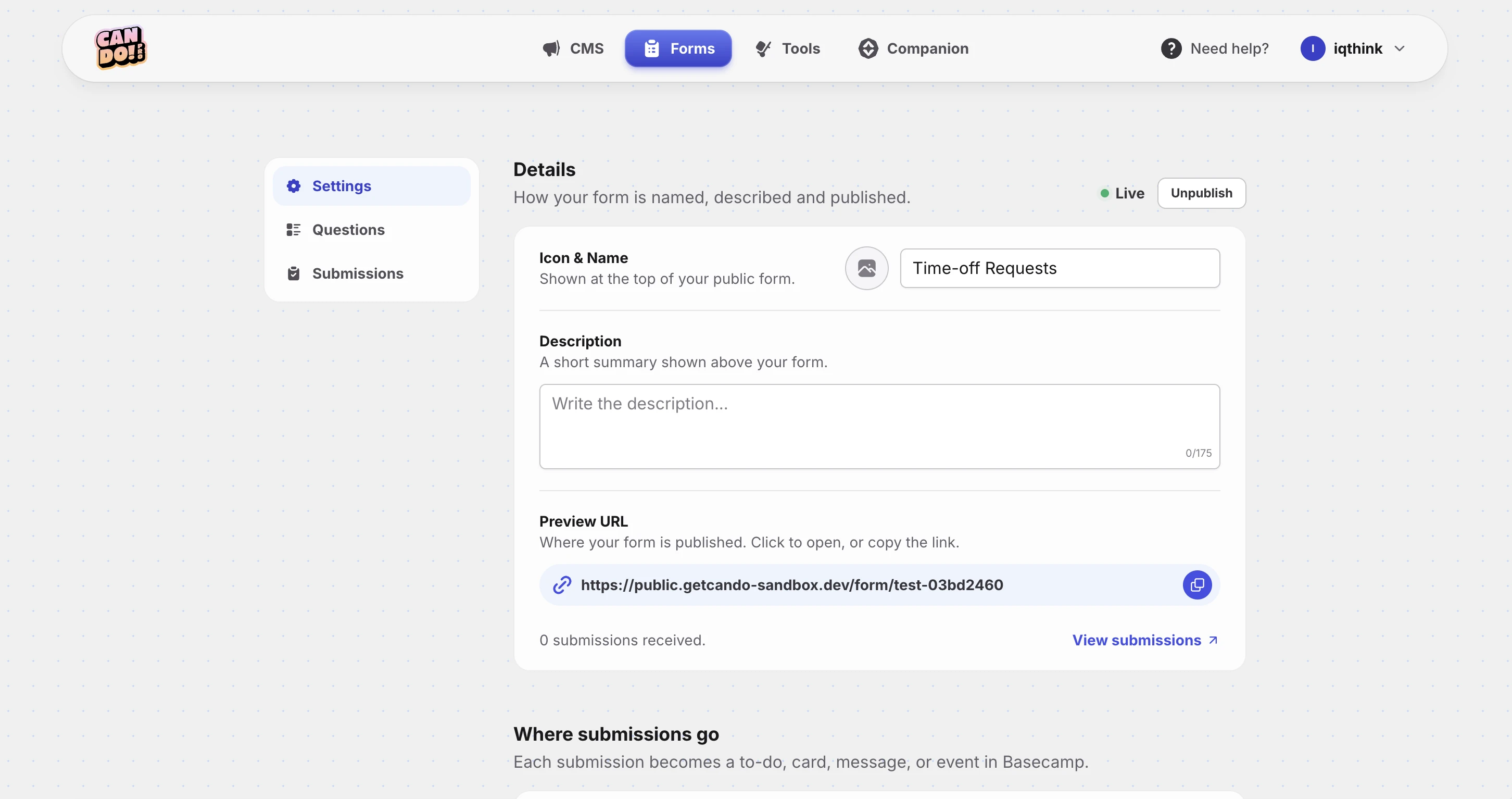
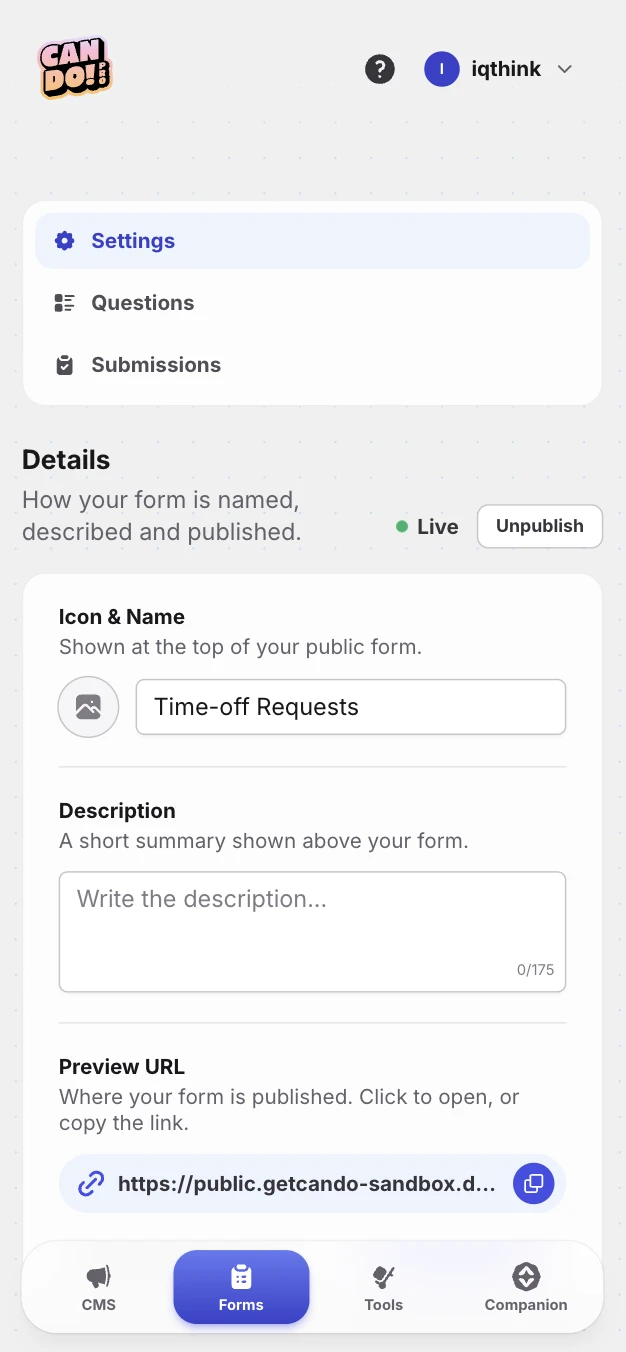
One public link. Straight into your project.
Publish your form and Can Do hands you a shareable link — no hosting, no domain setup. When someone submits, the answer becomes a real Basecamp item in the exact project and list you picked, and you watch it arrive in the Submissions inbox.
Share it anywhere — email, chat, your site. No Basecamp seat needed to fill it out.
- To-doA new to-do in the list you pick
- CardA card in a card-table column
- MessageA post on the message board
- EventAn entry on the schedule
Seven field types. Enough for anything.
Add a question, pick a type — each maps cleanly onto the Basecamp item it creates.
- Short textA single line
- Long textA paragraph
- EmailAn email address
- NumberA numeric answer42▲▼
- DateA calendar dateAug 12, 2026
- Option PickerPick one option
- Multiple choicePick several options
- Build your firstStart free
form in minutes
Requests come from everywhere. Let them all land in Basecamp.
Support requests, bug reports, lead capture, job applications — whatever you need to collect. Can Do gives you a branded form on a public link and drops every response into the right Basecamp project. Your team keeps working exactly where they already do.
-
Straight into Basecamp
Every submission is created automatically in the project you choose — as a to-do, card, message-board post or calendar event. No new inbox, no copy-paste.
-
Publish in one click
Set the form to published and you get a ready-to-share public link at public.getcando.com/form/… — no code, no hosting to set up.
-
Your brand up top
Add an icon, a name and a short description, all shown at the top of your public form so it looks like yours.
-
Required & instructions
Toggle any question to required, and add helper instructions under a question when people need a nudge.
-
Every response in one place
Watch responses arrive in the Submissions inbox inside Can Do, or jump straight to the item it created in Basecamp.
-
Spam protection built in
A built-in honeypot quietly blocks bots — no CAPTCHAs to annoy the real people filling out your form.
Forms FAQ
Not here? [email protected]
How do Can Do forms work with Basecamp?
Where do form submissions go in Basecamp?
What kinds of questions can I add?
Do people filling out the form need a Basecamp account?
Can I brand the form, and where does it get published?
How do you stop spam?
What happens to submissions if I cancel Can Do?
How does pricing work for forms?
I have another question about forms.
Your Basecamp, unlocked.
Sign in with your email, connect Basecamp once, and turn the tool your team already loves into the publishing platform you always wanted. No password.