
A public roadmap, straight from your Card Table.
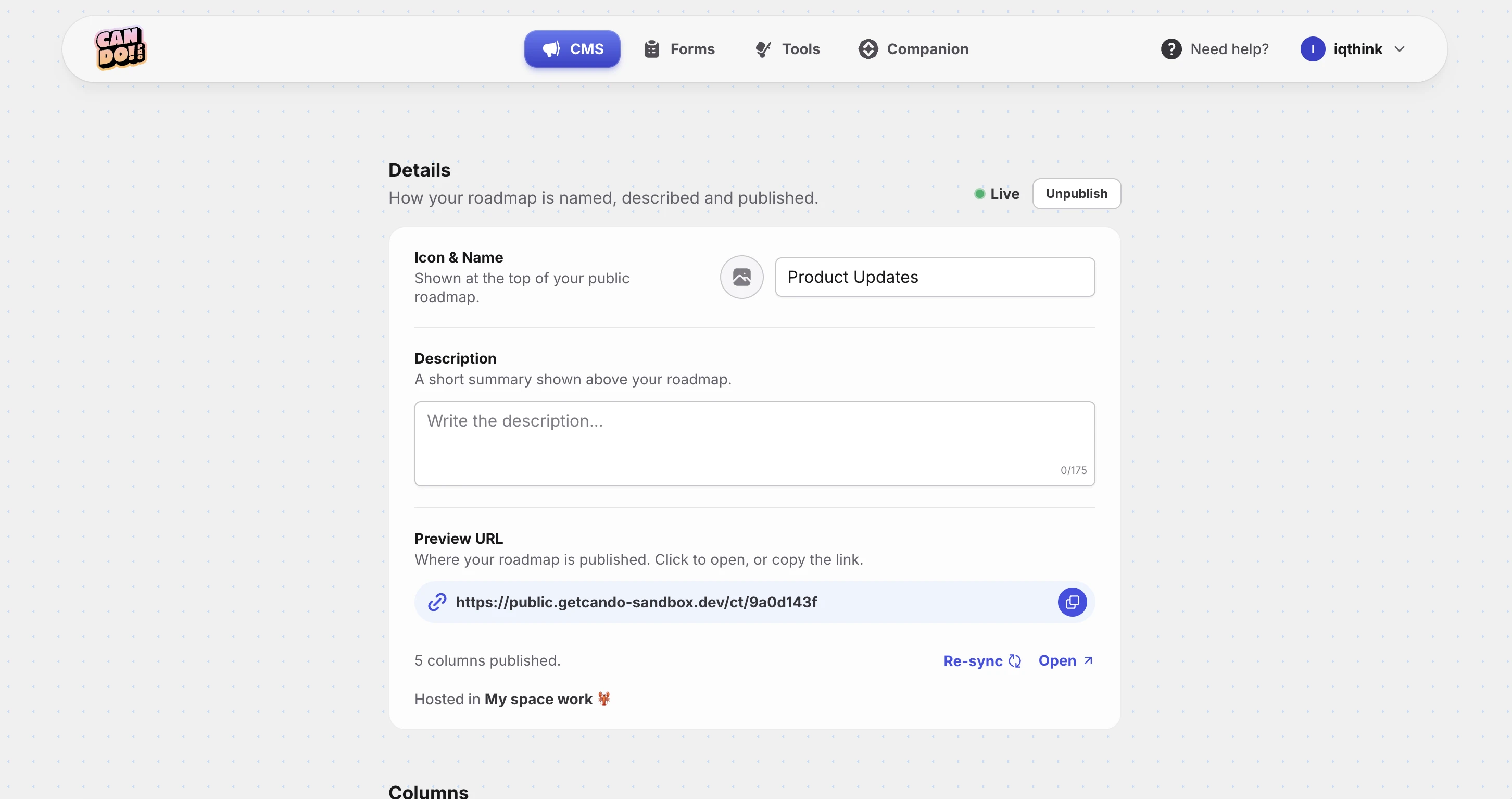
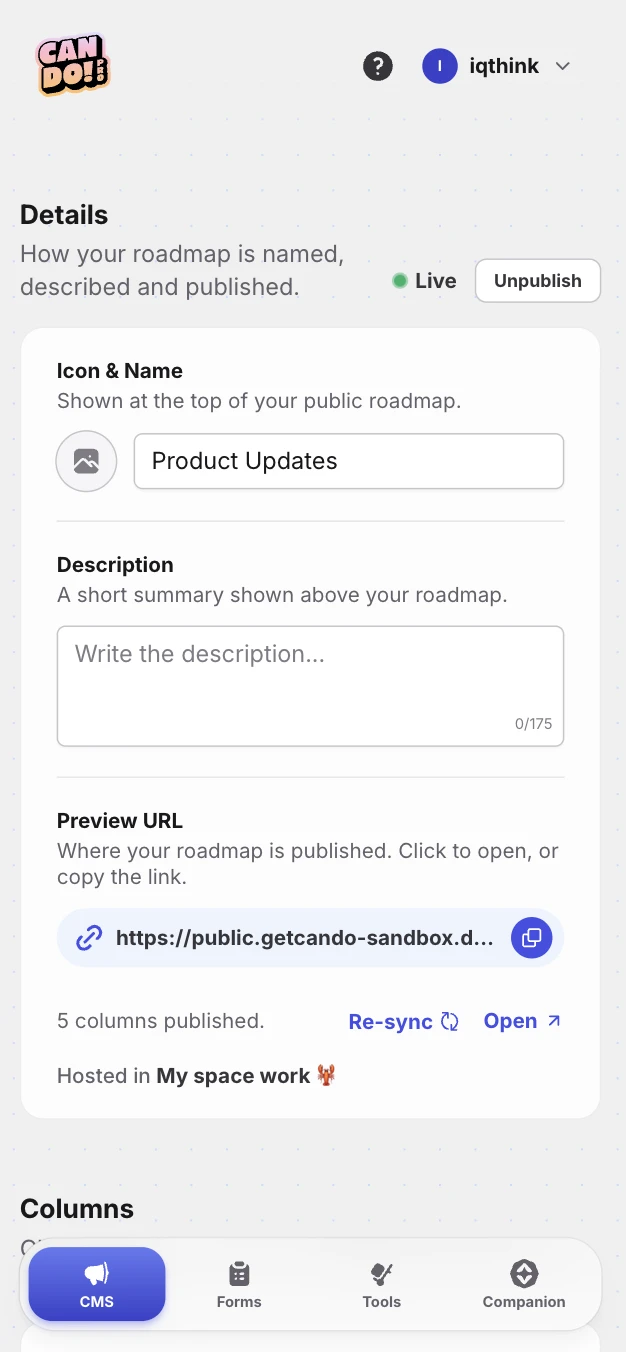
Plan in Basecamp's card table like you always do. Can Do publishes the columns and cards as a clean, public roadmap board on your own domain — so customers can follow along without ever touching Basecamp.
Works with Basecamp Card Tables · 14-day trial · no credit card
This is what your visitors see.
A polished public board on your own domain — your Basecamp columns and cards, colored and dated, updating as you move things along.
- •
You already keep a roadmap. Now let people see it.
Your card table is already the single source of truth for what's shipping. Can Do renders it as a polished public board — colored columns, cards, dates and optional upvotes — so customers and stakeholders always know what's next. The plan stays in Basecamp.
-
Card Table in, board out
Point Can Do at a Basecamp card table. Its columns and cards become a live public roadmap automatically.
-
Colored columns
Triage, Figuring it out, In progress and Done each get their own color and dot — imported straight from Basecamp.
-
Dates on every card
Show each card's due date, or its created date when it has none. Toggle it on or off per roadmap.
-
Let customers upvote
Turn on upvotes and visitors can vote for what matters. The first vote boosts the card back in Basecamp.
-
Custom domain + SSL
Publish to roadmap.yourcompany.com on Pro and Business. We handle the certificate.
-
Always in sync
Move a card in Basecamp and the board updates. Publishing waits until every card has finished syncing.
Roadmap FAQ
Not here? [email protected]
How does the roadmap work with Basecamp?
Which columns show up on the public roadmap?
Can visitors upvote features?
Do customers need a Basecamp account?
Can I use my own domain?
Do card details and dates show publicly?
What happens to my roadmap if I cancel Can Do?
How does pricing work for the roadmap?
I have another question about the roadmap.
Your Basecamp, unlocked.
Sign in with your email, connect Basecamp once, and turn the tool your team already loves into the publishing platform you always wanted. No password.